
The versions list
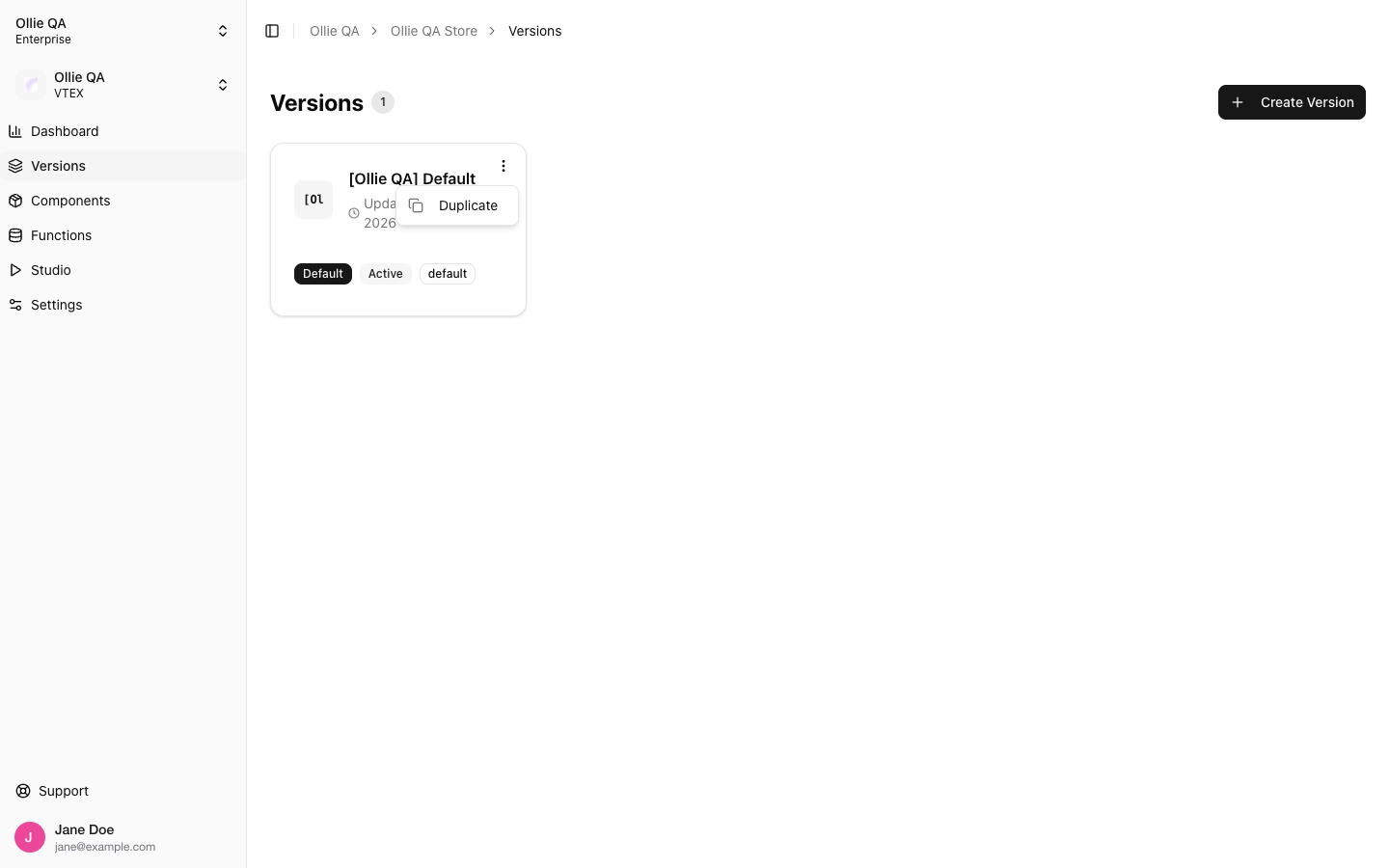
Versions: one card per version, with the actions menu open
Creating a version
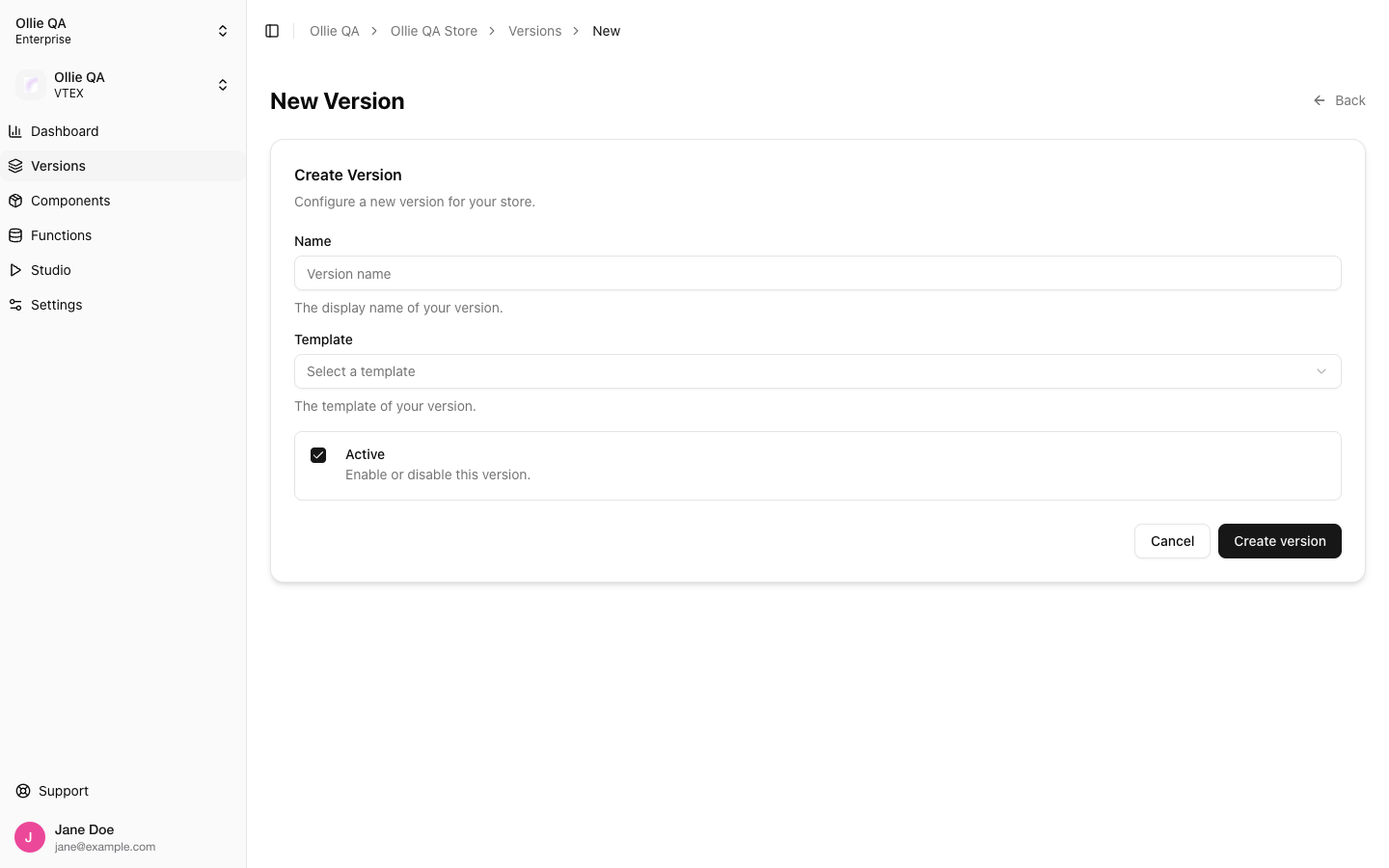
Duplicating a version
Open the card’s actions menu and choose Duplicate. The copy is named<name> (copy), is created inactive and not default, and carries over the template, theme, props, messages, and every component and function of the source. Components reuse the builds already deployed, so nothing is rebuilt. The live storefront is not affected until you activate the copy.
This is the fastest way to branch an experiment off the version in production.
The version page
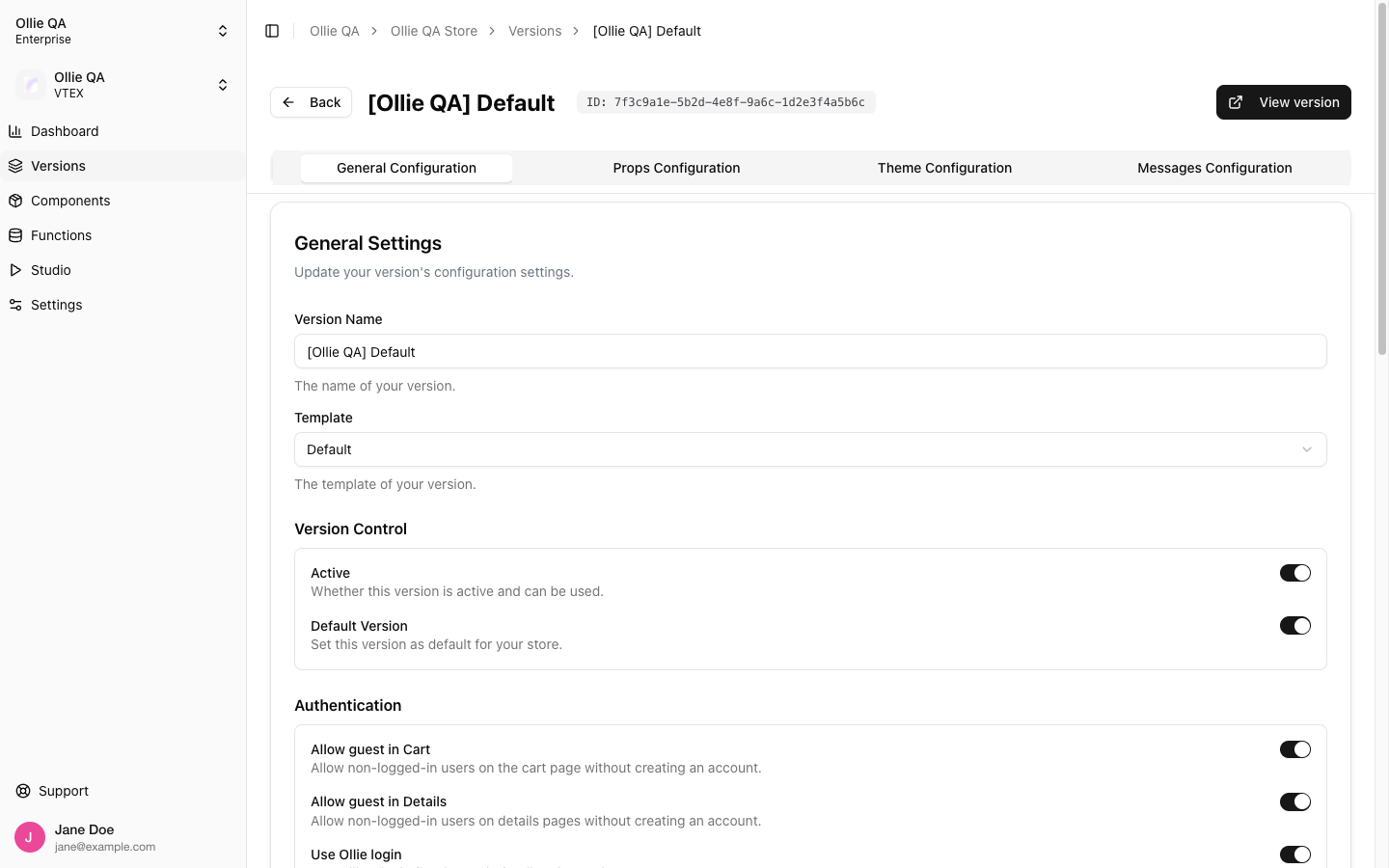
A version: four tabs, the version id with a copy button, and View version
ollie.json and create-ollie-shop --version-id, and the value of the ?version_id= query parameter.
General Configuration
Changes are saved with the Save button at the bottom. Only the fields of this tab are written; the Props, Theme and Messages tabs keep their values.
Props Configuration
Custom props (steps, font, form config, your own keys) and the flag groups. See Checkout Flags, Extra Checkout Steps, Fonts and Form Fields. The tab has a UI view and a JSON view; both save with Save Changes.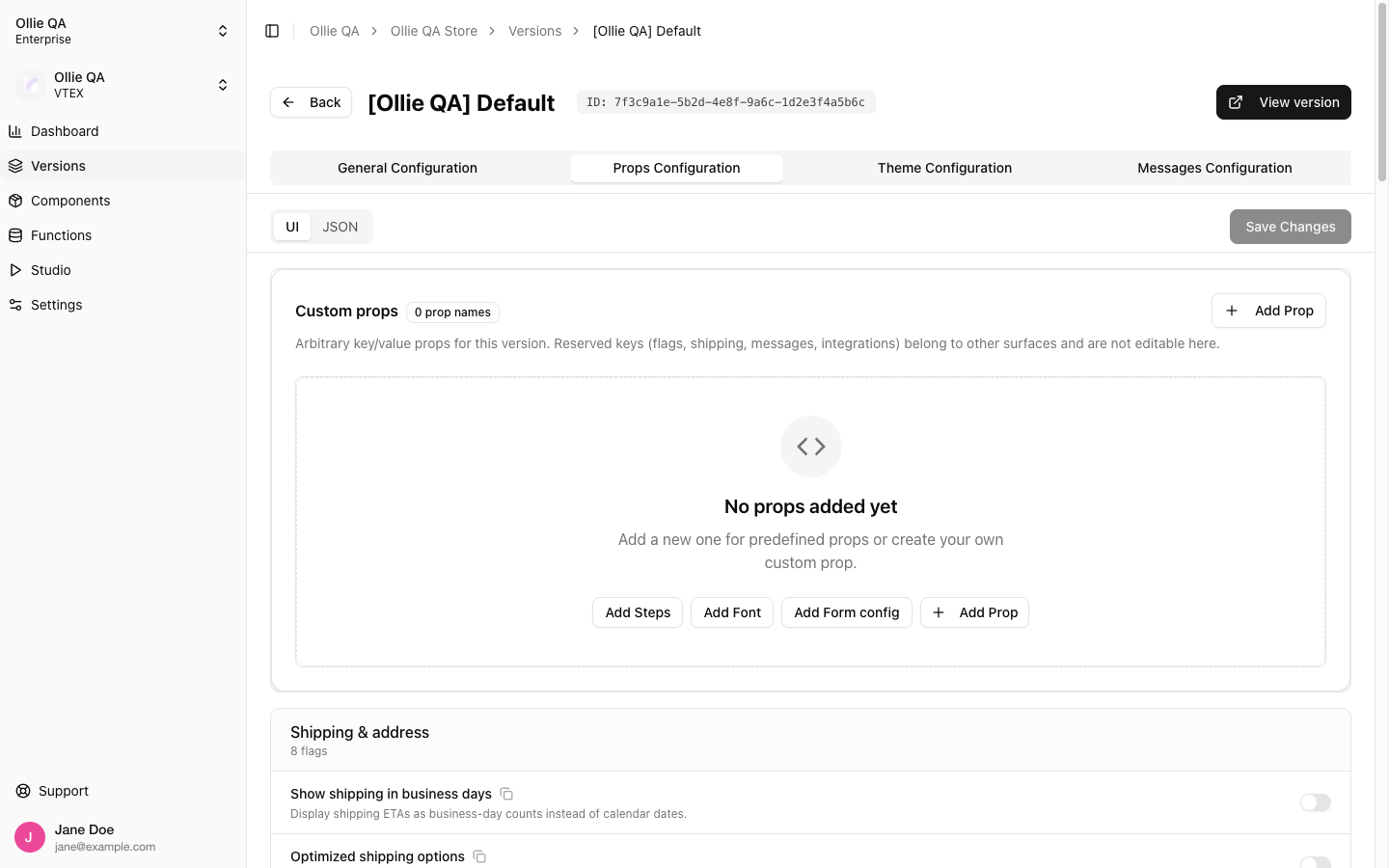
Theme Configuration
The design tokens of the version. See Theme Design Tokens.Messages Configuration
Text overrides and translations. See Translations.Deleting a version
Delete Version in the Danger Zone removes the version and, with it, every component and function deployed to it. It asks for confirmation and cannot be undone. Only organization owners and admins can delete versions.Related
- Versions: the concept, and how to open a specific version with
?version_id= - Managing Components in the Admin: the records that live inside a version