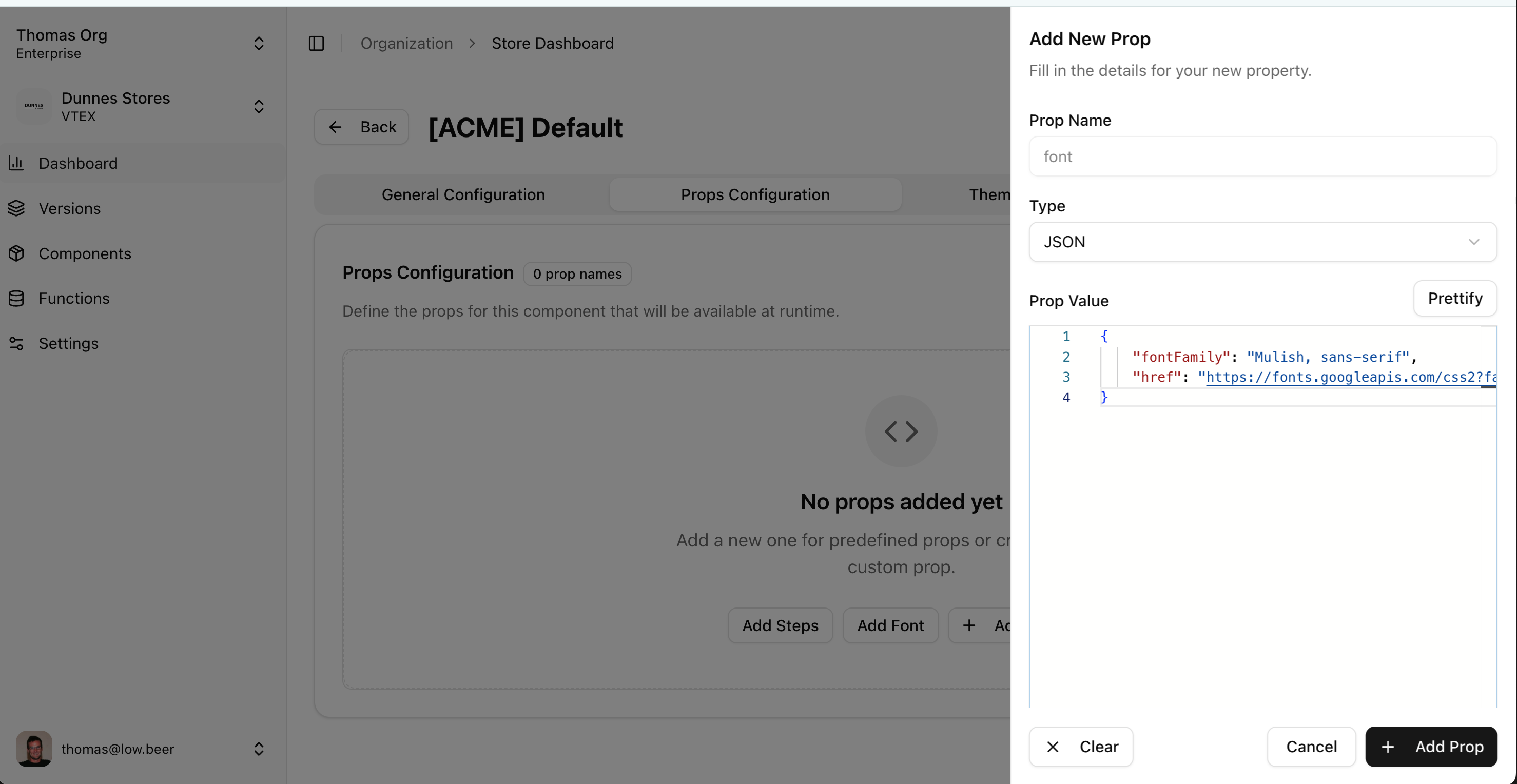
Admin Configuration
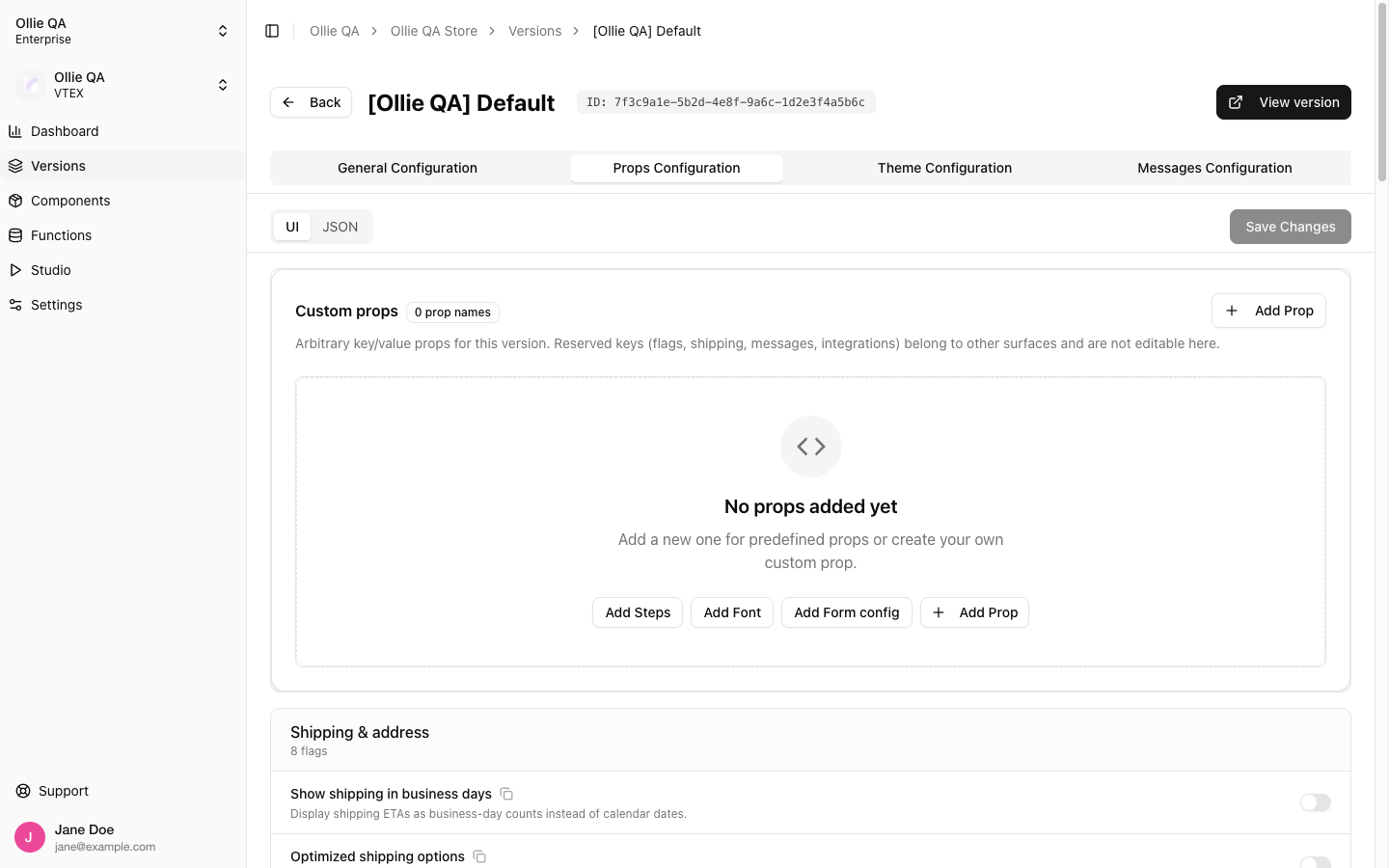
A Version carries the full set of configurations of your checkout, so fonts are also configured at the version level.- Navigate to your version in the admin dashboard
- Click the Props Configuration tab
- Click
Add Fontin the Custom props block. If the version already has custom props, click + Add Prop and pick Font from the list instead.
-
Add your font, then click Save Changes
The prop is named
fontand its value is always JSON:fontFamilyis the CSS font family the checkout applies, andhrefis the stylesheet that loads it.