
Prerequisites
- Node.js 22 or newer. Check with
node --version. - An Ollie Shop account that can access the store you work on (see Organization and Members).
- On Windows, a WSL terminal. The CLI is tested on macOS, Linux and WSL.
Installing
- In a scaffolded project
- Globally
Projects created with To update it later:
npx create-ollie-shop already depend on @ollie-shop/cli. Nothing to install beyond npm install:npm i -D @ollie-shop/cli@latest.Logging in
- The CLI starts a small local server on port 7777 and opens
admin.ollie.shopin your browser. - Sign in there with GitHub, Google, or email, the same way you sign in to the Admin.
- The browser hands the session back to the CLI. The terminal prints
✓ Successfully logged in as you@company.com, and the browser page says you can close it.
ollieshop login --port 7788 (two tokens, no =).
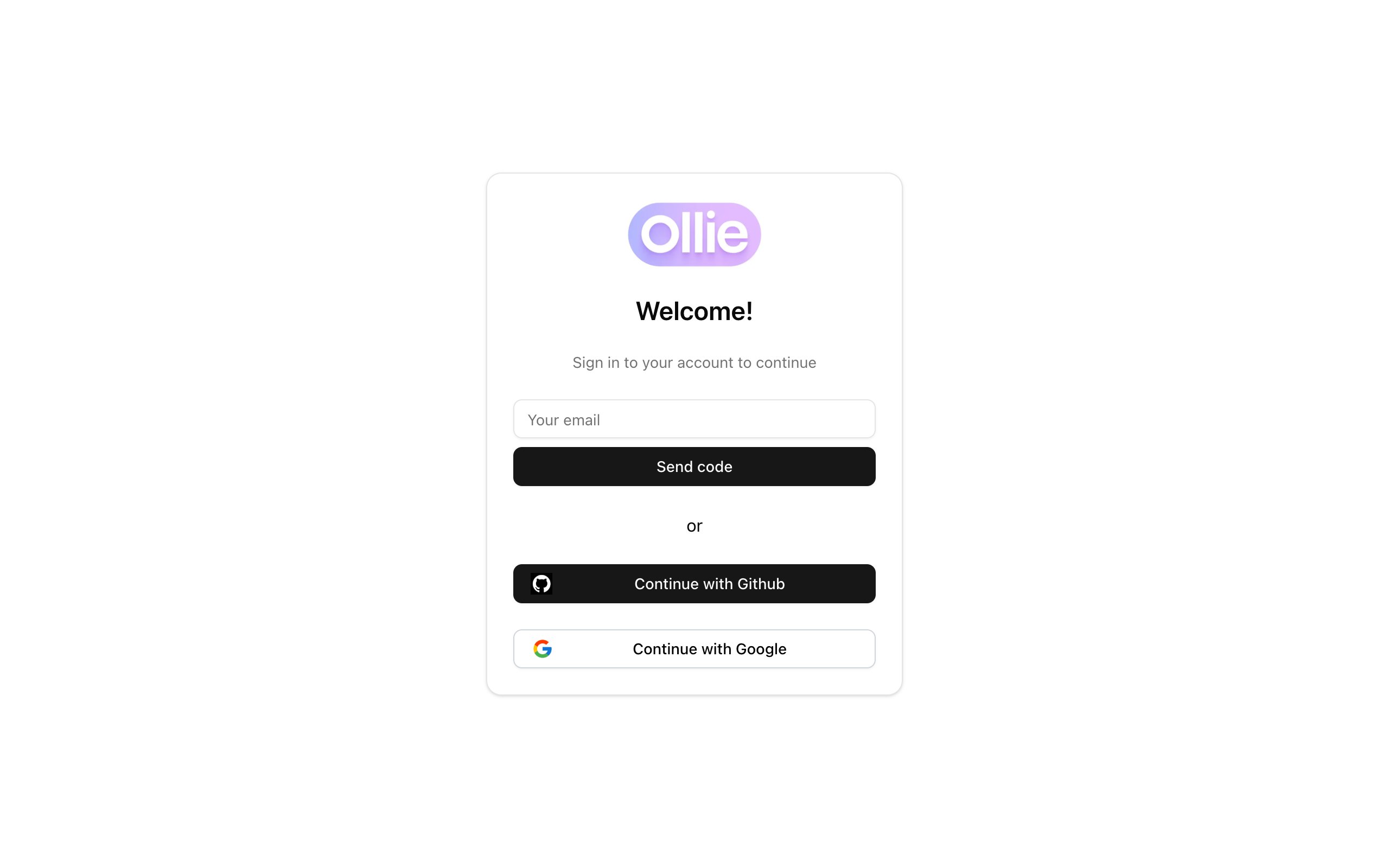
The Admin login page the CLI opens, with GitHub, Google and email
Where the session lives
The session is written to~/.ollie-shop/credentials.json, readable by your user only. Commands that call the API check the session before running and renew it silently when it is about to expire. If renewal fails you will see:
logout command. To sign out, delete the credentials file:
Checking who you are
Next steps
- Link a project to a store with
init, or scaffold one withnpx create-ollie-shop(see the Quickstart). - Start the dev server with
start.