
Store Configuration
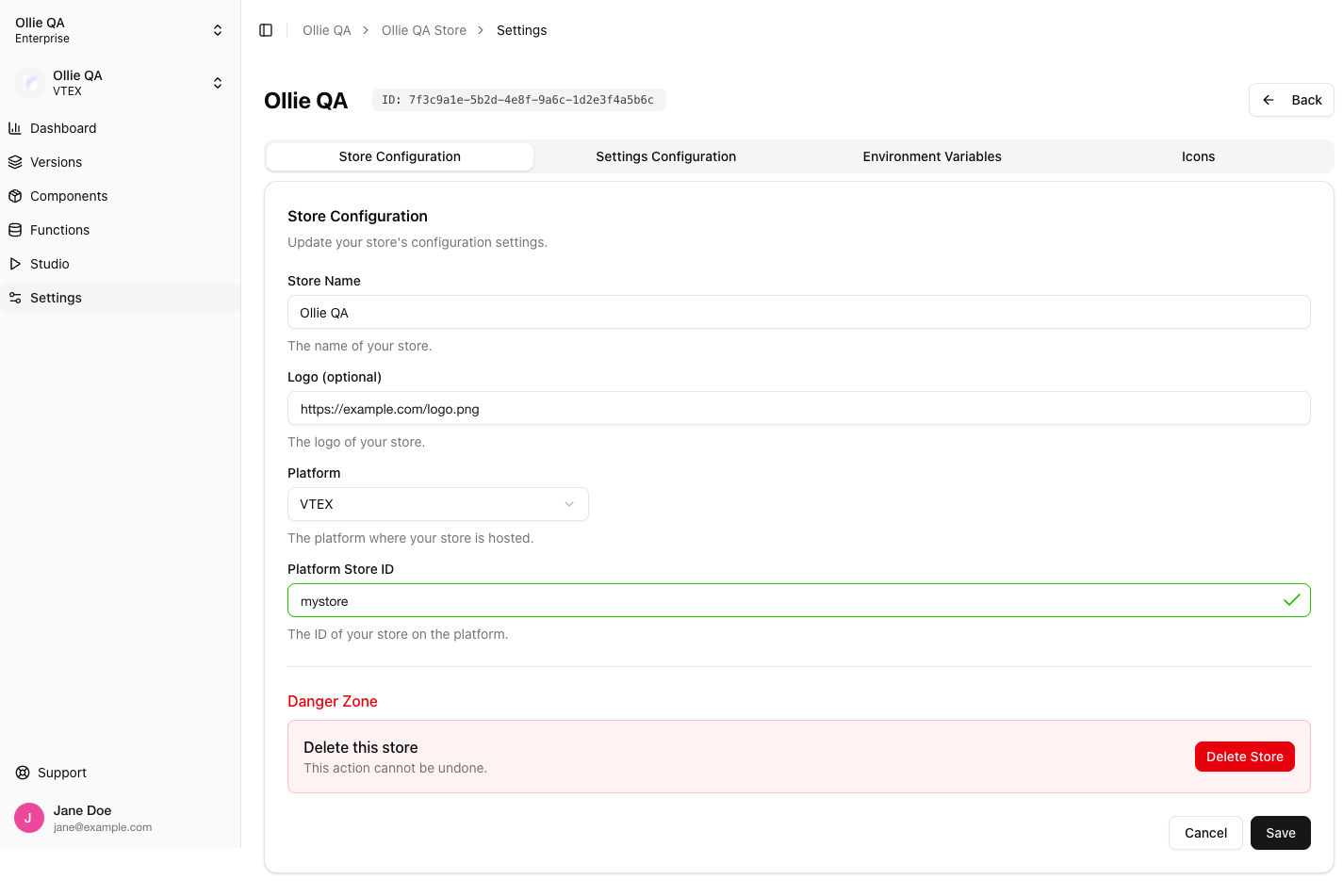
Settings → Store Configuration
The Platform Store ID is checked live. About a second after you stop typing, the Admin calls the platform with that ID. A green check means the account answered; “Store platform ID not found” means it did not, and Save stays disabled until it does. The ID you already saved counts as valid without a new check.
All four fields can be changed after the store is created. The organization a store belongs to cannot.
Danger Zone
Delete Store removes the store and everything under it: its versions, and through them its components, functions, builds, business rules and environment variables. The action asks for confirmation and cannot be undone. Only the organization owner can delete a store (see Organization and Members).Settings Configuration
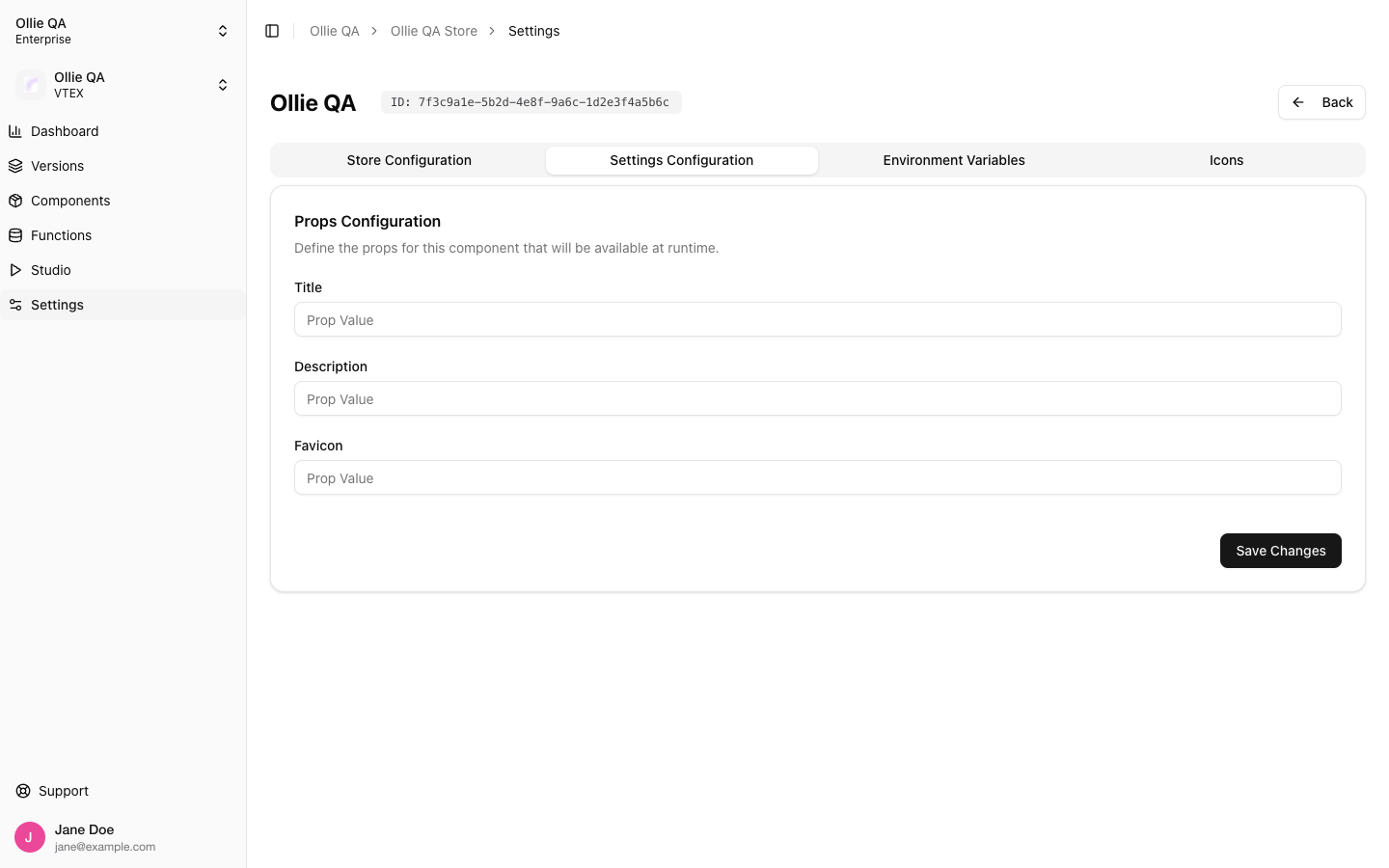
Settings → Settings Configuration
Fill in the values and click Save Changes. The checkout picks them up on the next page load; no deploy is needed.
Reading them from a component
The same values are exposed to custom components throughuseStoreInfo:
settings is an open record (Record<string, unknown>), so narrow the type before using a value.
Where the Store ID is
The store’s UUID is shown next to its name at the top of every Settings tab, with a copy button. It is the same ID in the store’s Admin URL,https://admin.ollie.shop/dashboard/store/<store-id>, and the one create-ollie-shop and the CLI’s ollie.json ask for.
Related
- Admin onboarding: creating the organization and the first store
- Environment Variables and Custom Icons: the other two tabs of this page
- Organization and Members: who can change what