
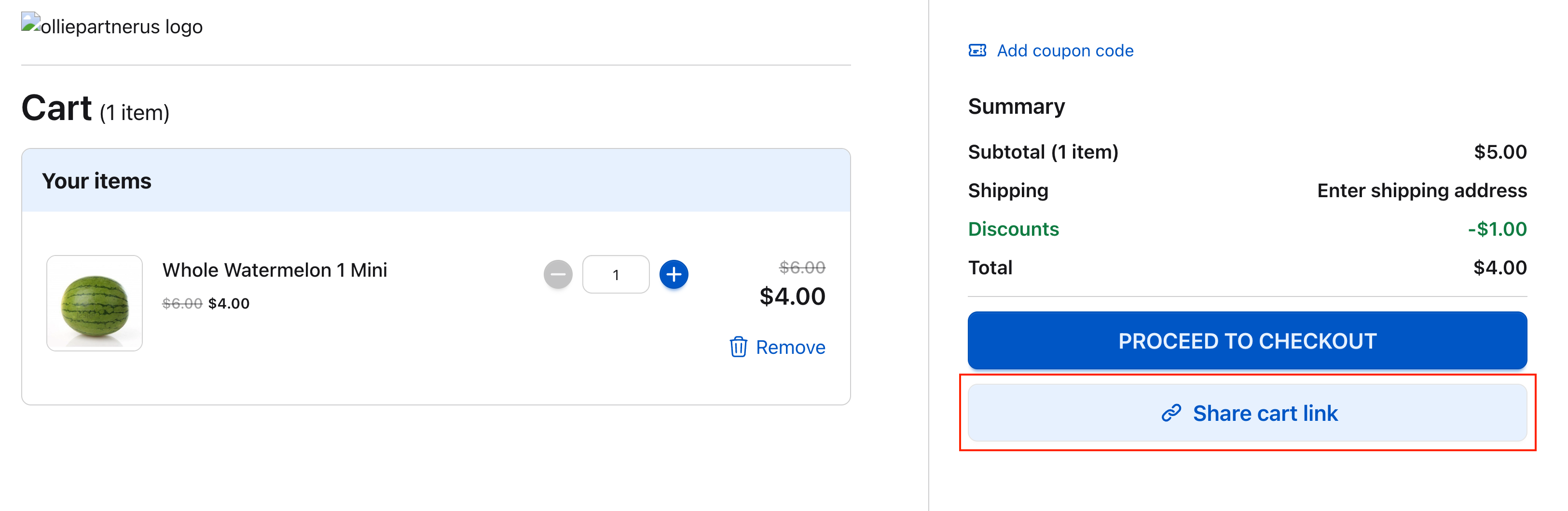
/new?cartId={{cartId}}. Opening it in another browser or session loads that cart.
Configuration
Share Cart is a custom prop of a Version.- Open Versions → your version → Props Configuration
- Click + Add Prop
- Set Prop Name to
shareCart, Type to JSON, and the value as below - Click Add Prop, then Save Changes
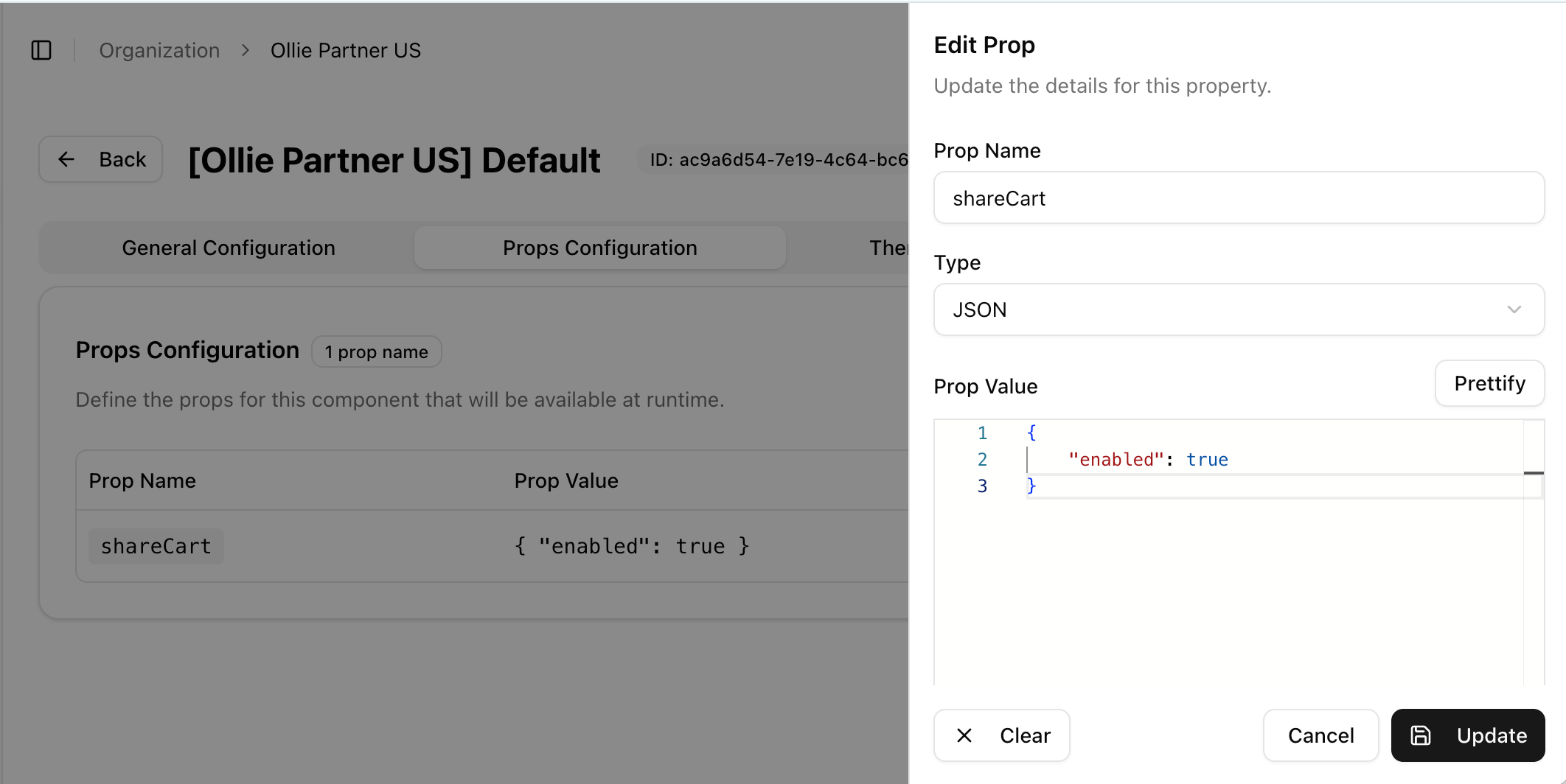
shareCart. The value is one object:
shareCart
Share Cart for a specific type of user
Often you want the feature only in specific situations, for example when someone from your support team is helping a customer, or when a B2B buyer is purchasing on behalf of someone else. Add arole to show it only to shoppers with that role:
shareCart
role is the user role required to see the share cart component.
If you use VTEX as your commerce provider,
role should match the shopper’s customerClass.Related
- Props: how version and component props work
- Managing Versions: where the Props tab lives