
The components list
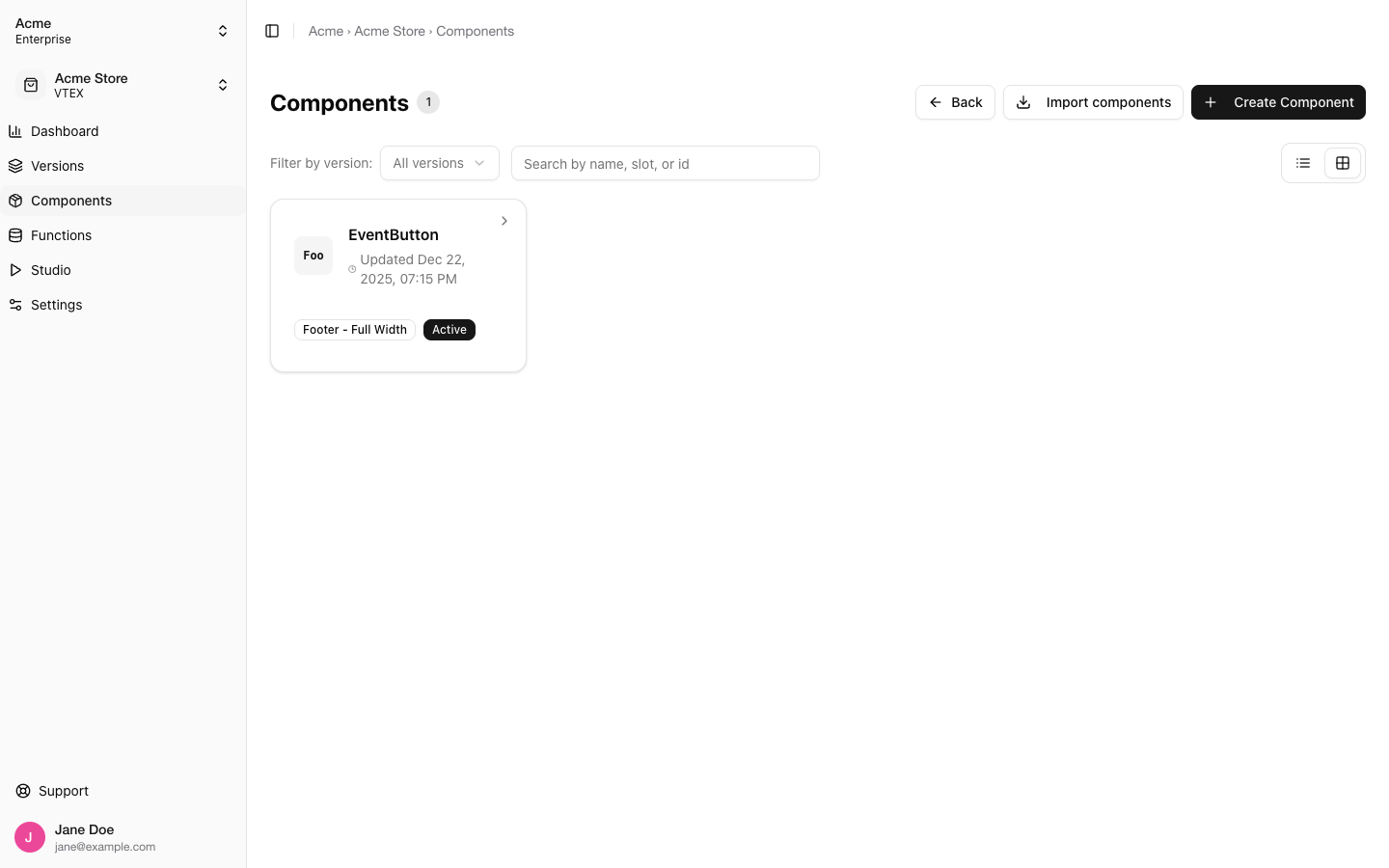
Components: filter by version, search, and switch between grid and table
Two actions sit at the top: Import components, covered in its own page, and Create Component.
Creating a component record
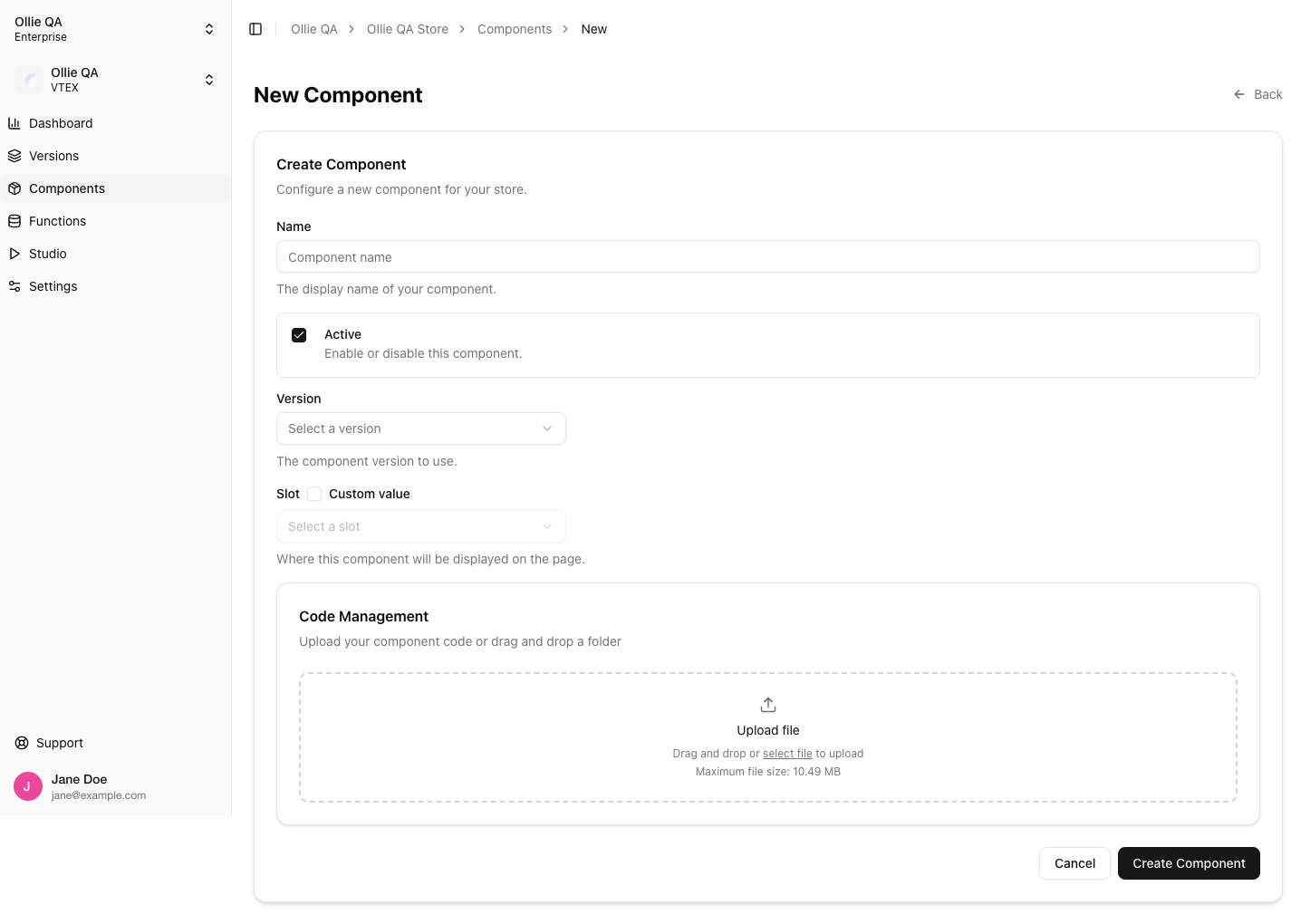
New Component: the record is created first, the code can follow in the same form or later
After creation, copy the ID shown next to the component name. That is the id you link in your project’s
ollie.json and pass to ollieshop deploy --component-id (see Build Your First Component). If you work from Studio instead, Publish creates the record and deploys in one step, so you rarely need this form.
The component page
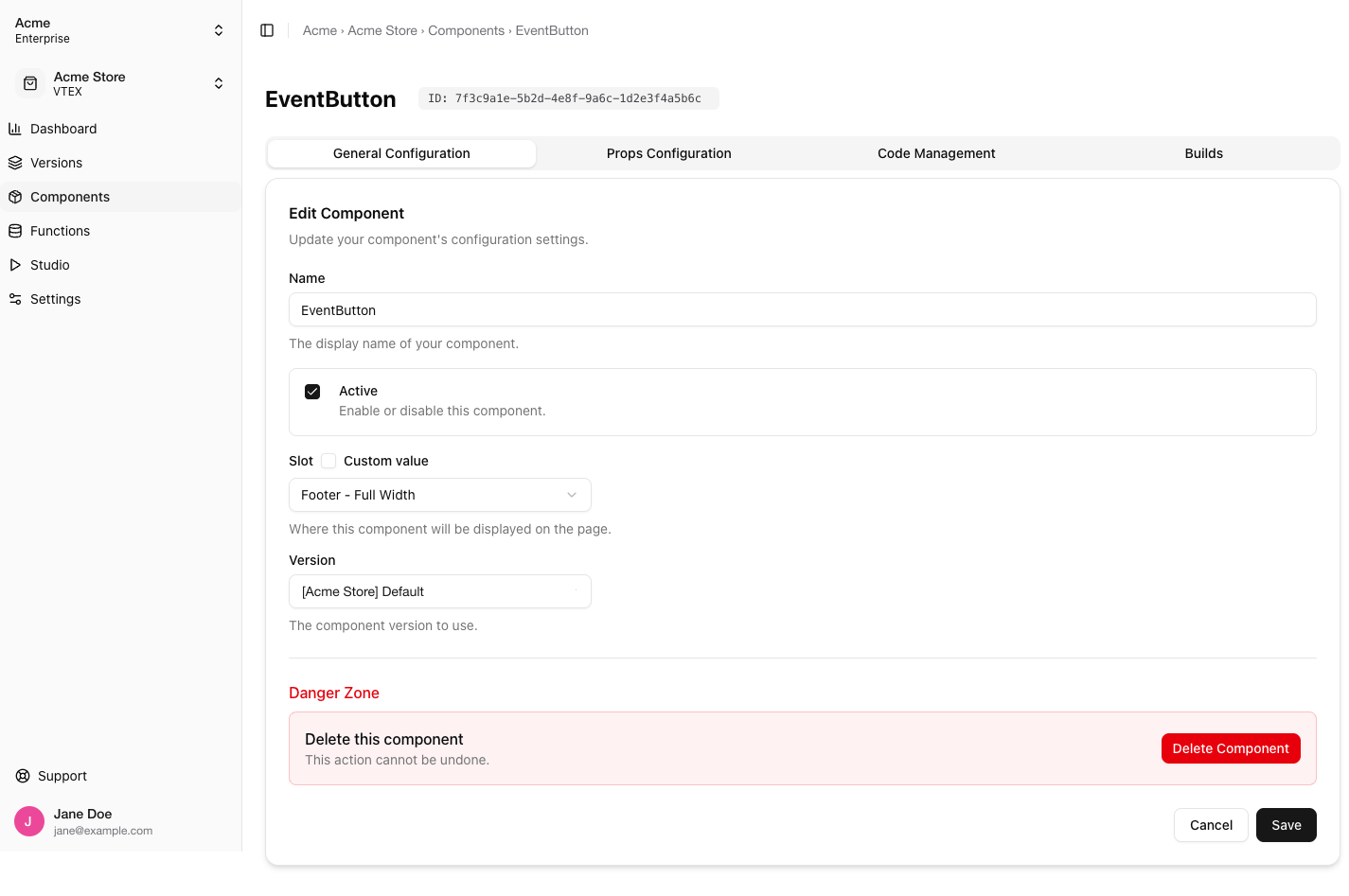
A component has four tabs.General Configuration
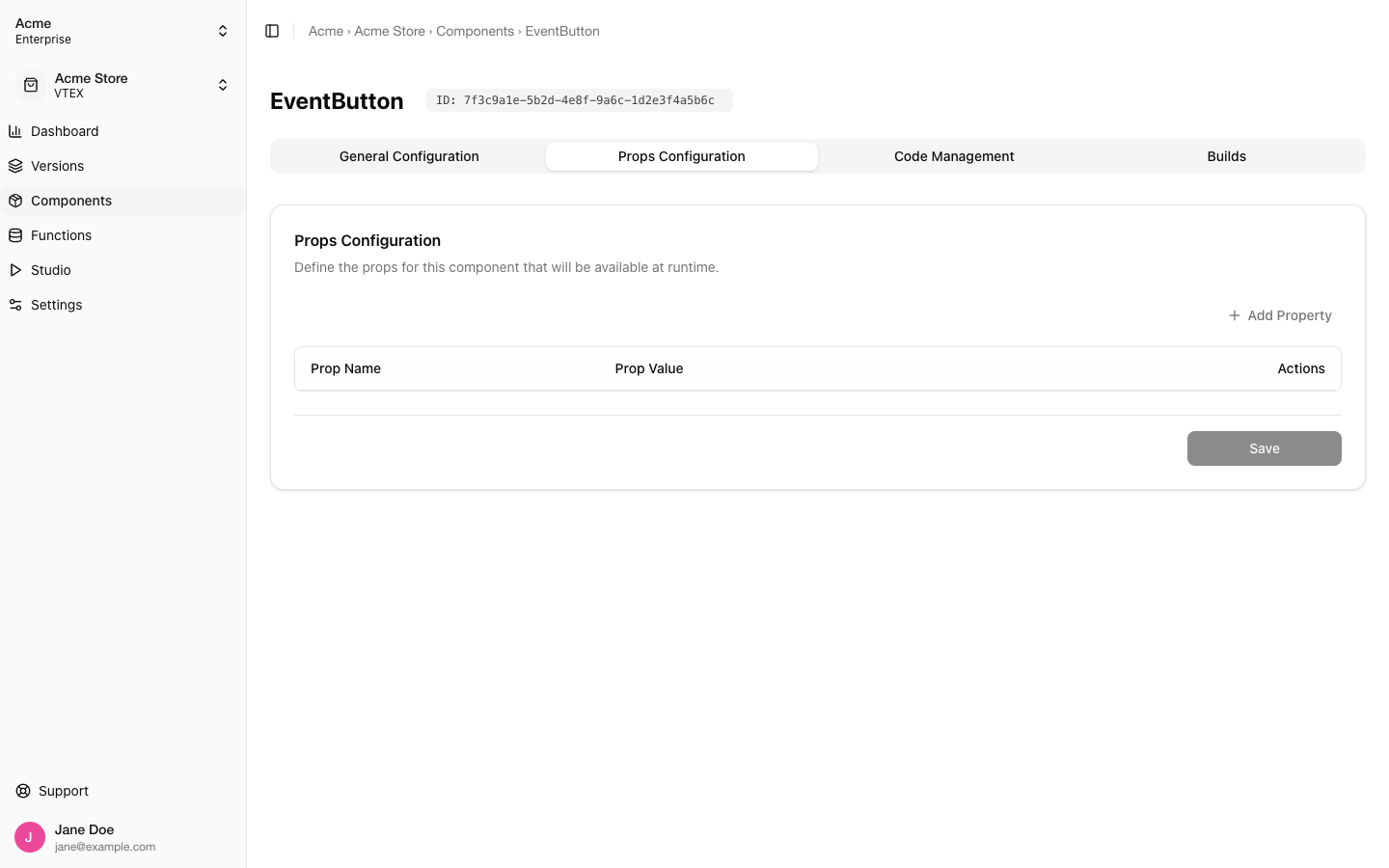
Props Configuration
Code Management
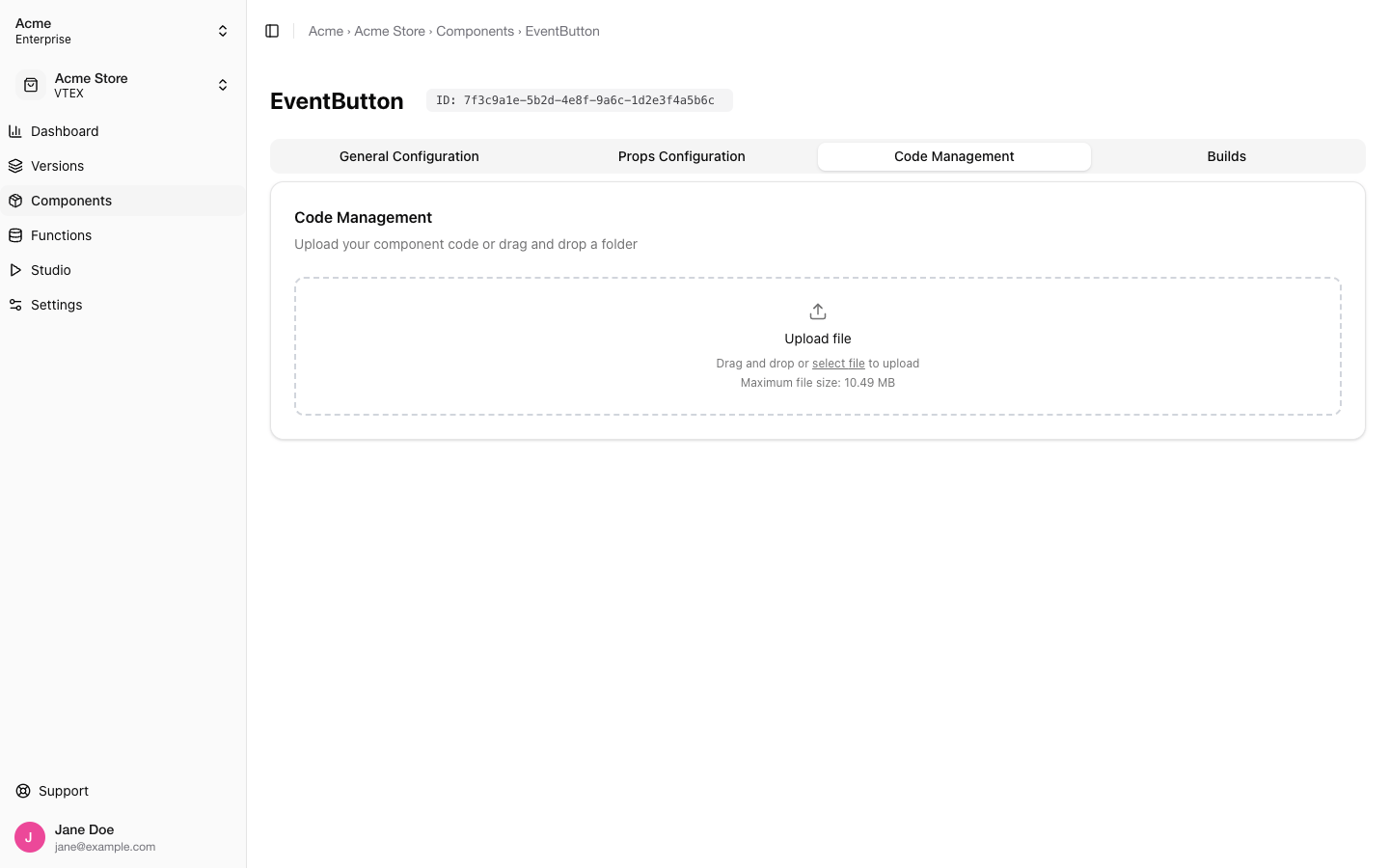
package.json and an index.tsx at its root, and can be at most 10 MB. The build status updates every few seconds (Building, Built, or Build failed) with a collapsible build log.
Most projects never use this tab directly: ollieshop deploy and Studio bundle the folder and upload it for you. It is the right place when someone hands you a zip.
An imported component shows a Synced copy notice here instead of the upload box first. Use Re-sync to pull the source’s latest build; deploying your own build replaces the synced copy.
Builds
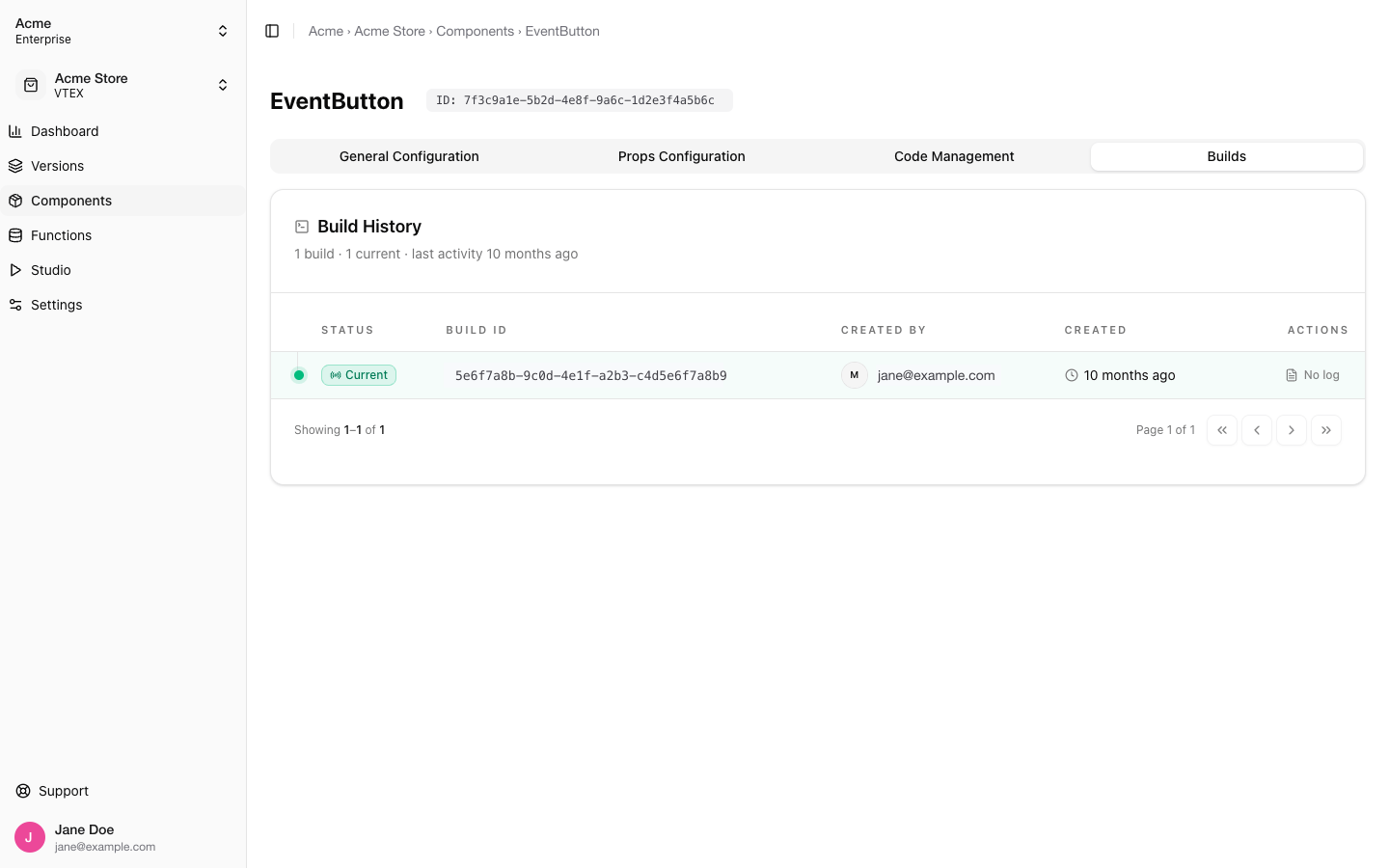
Related
- Ollie Studio: preview, publish and deploy without leaving the dashboard
- Build Your First Component: the CLI route, from folder to deploy
- Import components: reuse a component from another store
- Roll Back a Component: recover from a bad deploy in one dialog