
1. Create the record
- Admin
- CLI
Functions → Create Function: name, Active (leave it off until the code is deployed), On error (Skip or Throw), Priority, and the Version. You can drop the code zip here too; most people deploy from the CLI instead.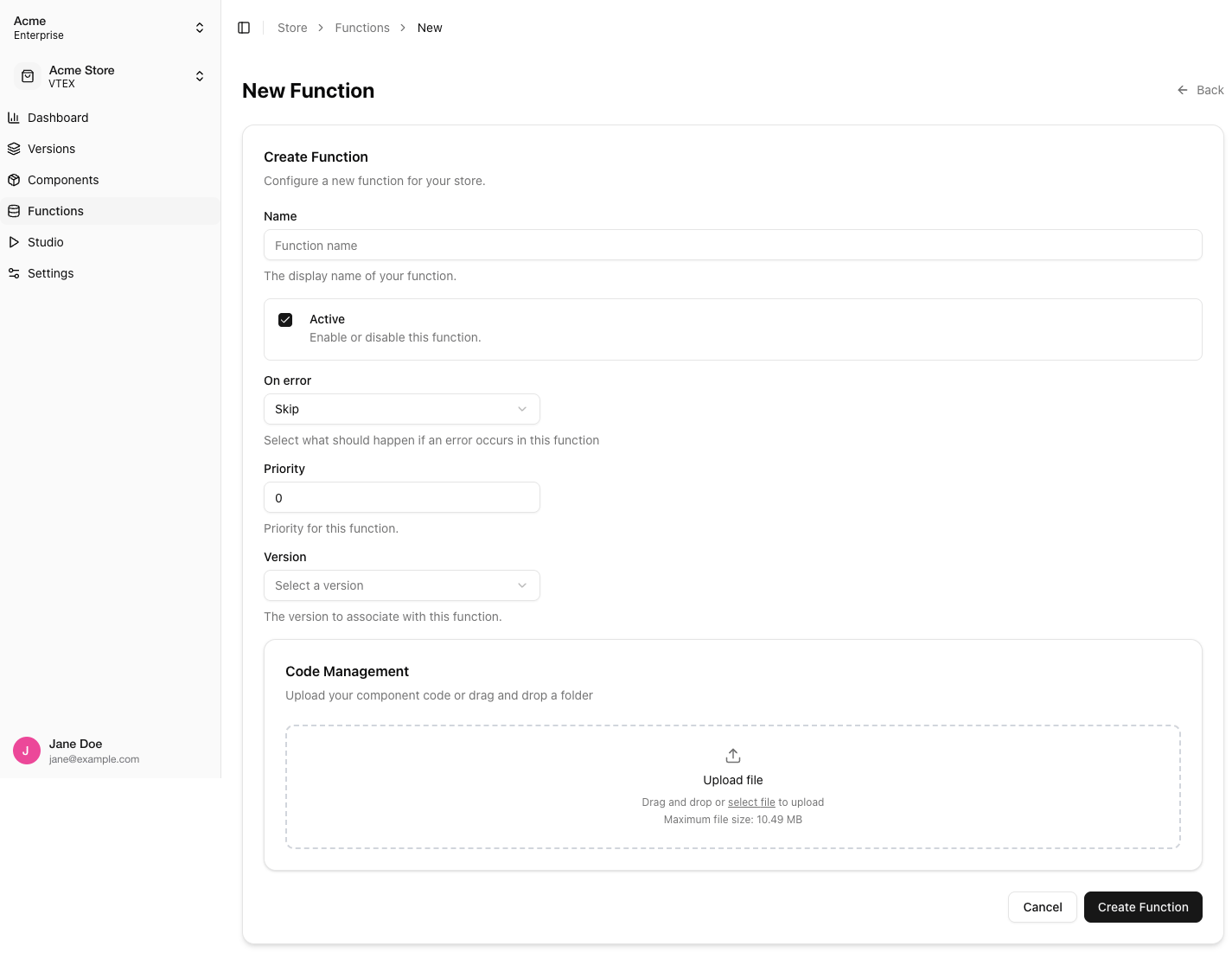
2. Write and test the code
Put the code infunctions/<name>/index.ts with a named handler export (Writing a function), add a function.json mirroring the trigger, and run it locally:
curl calls to drive it.
3. Deploy the code
- CLI
- Admin
--name is the folder name under functions/. See deploy for what goes into the zip and .ollieignore.package.json dependencies, bundles everything into one file, and creates or updates the function’s runtime. The first deploy takes longer than the following ones.
4. Activate
Turn Active on in the function’s General Configuration (orollieshop function update --function-id <id> --active true). The hub refreshes its list of active functions within 3 minutes; new code is used as soon as the build succeeds.
Checking it runs
- The Builds tab lists every build with its status and log.
- In the checkout, trigger the call the function watches and look for its effect. For a response function that adds
extensions, read them withuseCheckoutSession()in a component or in the browser’s network tab of the checkout’s own server action. - A function with Throw that fails makes the call return “An unexpected error occurred”. Switch it to Skip while debugging.
Updating and retiring
- Redeploy with the same
deploycommand. Each build replaces the previous code. - The runtime settings (Node version, memory, time limit, runtime library) are set on the first deploy and not changed by later ones. When a function needs a capability shipped after it was first created, create a new function record and deploy there.
- To stop a function, turn Active off. To remove it, Delete Function in the Danger Zone; this cannot be undone.
Related
- Managing Versions: functions belong to a version and are copied when it is duplicated
- Environment Variables: secrets your function reads with
process.env