> ## Documentation Index
> Fetch the complete documentation index at: https://docs.ollie.shop/llms.txt
> Use this file to discover all available pages before exploring further.
# Stores
An Ollie Shop store is synonym to a checkout, including the cart page and order confrimation page.
## Store Structure
Stores are organized hierarchically:
```
Organization
└── Stores
└── Versions
├── Template
├── Components
├── Functions
```
## Creating Stores
Stores are created when you [sign up](admin.ollie.shop) to Ollie Shop for the first time. You can also create multiple stores via the admin.
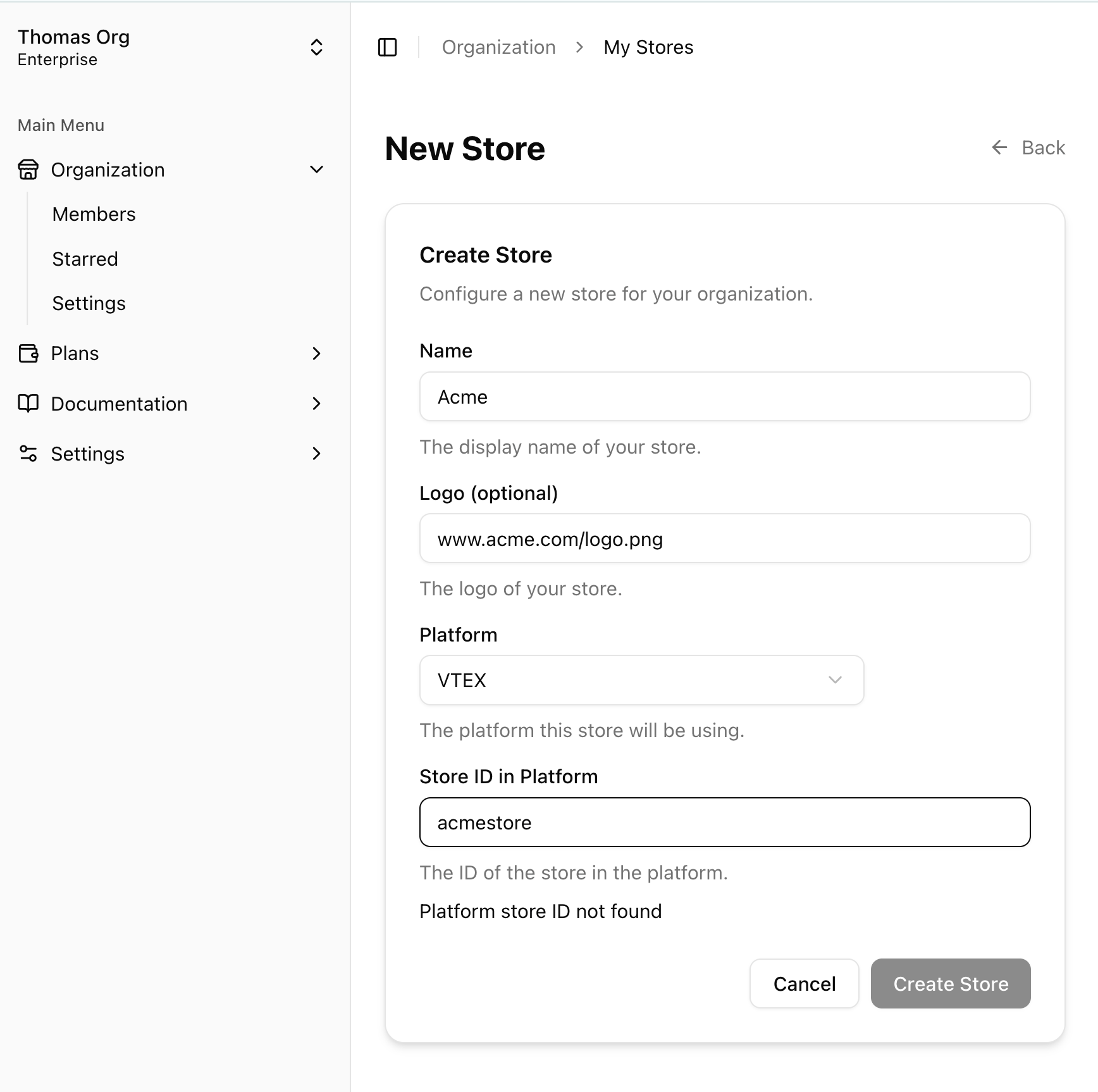
The store is the representation of a Brand. A store has four attributes:
* `id` created automatically
* `name`
* `logo` the url of your logo
* `id of your account in your ecommerce platform` in VTEX is the equivalent to accountName
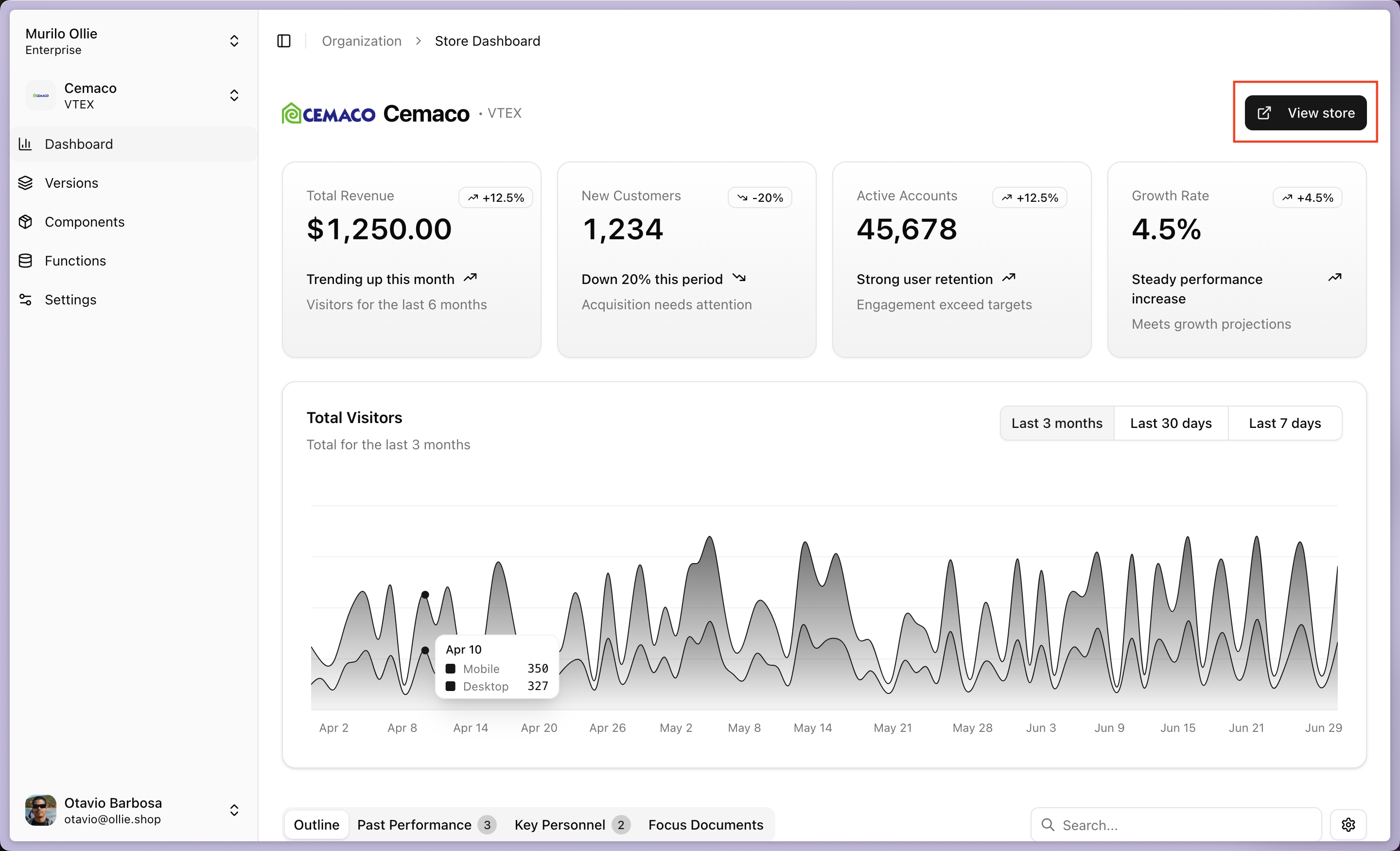
 After creating your store you can immediately access your checkout by clicking on the `View store` button.
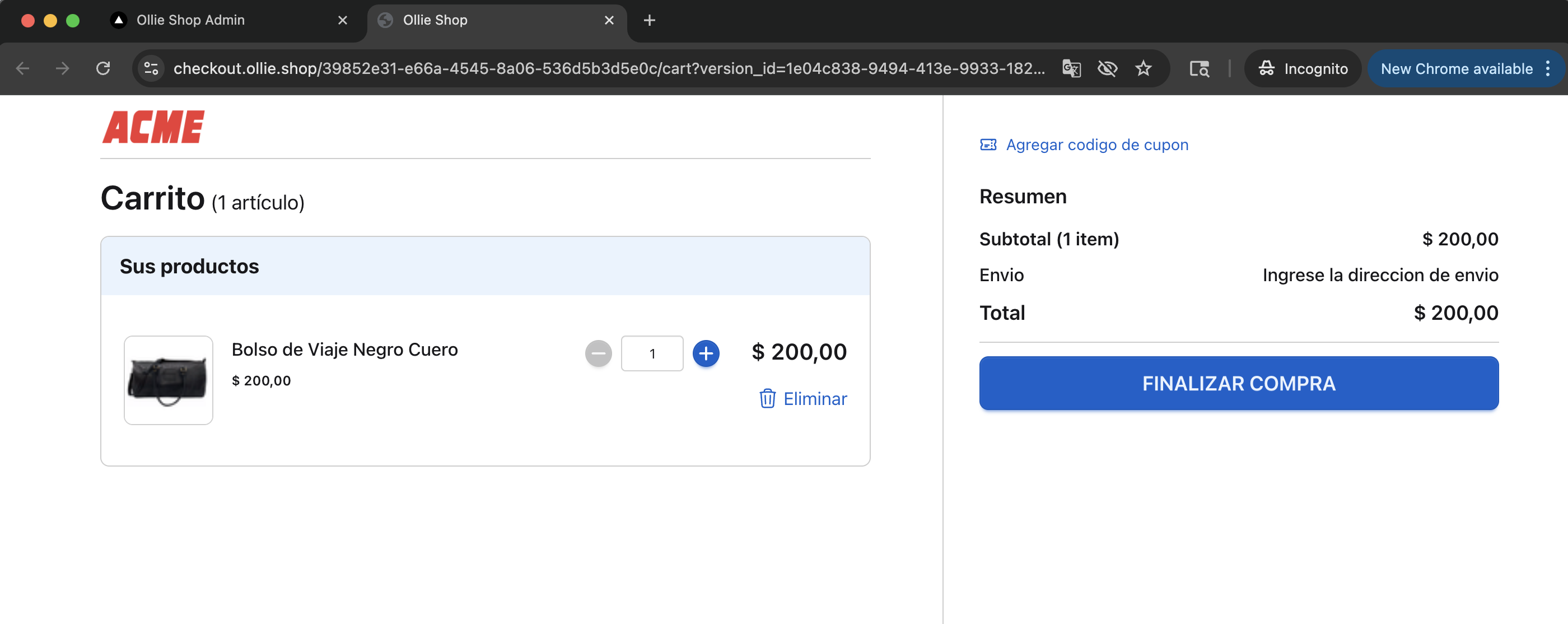
 You'll land on the Cart page and we'll automatically add an item to your cart.
 ## FAQ
**A:** `If you have different stores in the same VTEX account` then there will be one VTEX accountName for each. You should crate multiple Ollie Shop stores, to match each VTEX Store.
`If you use the same accountName and only use Sales Channels to segment your audience`, for example a public B2C and a closed B2B store then the best solution is to use - [Versions](/ollie-shop/concepts/version). Meaning that you'll have a single Ollie Shop store, with multiple Versions. A Version will be automatically displayed according to the Sales Channel the user is navigating.
## FAQ
**A:** `If you have different stores in the same VTEX account` then there will be one VTEX accountName for each. You should crate multiple Ollie Shop stores, to match each VTEX Store.
`If you use the same accountName and only use Sales Channels to segment your audience`, for example a public B2C and a closed B2B store then the best solution is to use - [Versions](/ollie-shop/concepts/version). Meaning that you'll have a single Ollie Shop store, with multiple Versions. A Version will be automatically displayed according to the Sales Channel the user is navigating.