> ## Documentation Index
> Fetch the complete documentation index at: https://docs.ollie.shop/llms.txt
> Use this file to discover all available pages before exploring further.
# Slots
> Strategic placement points where components transform your checkout experience
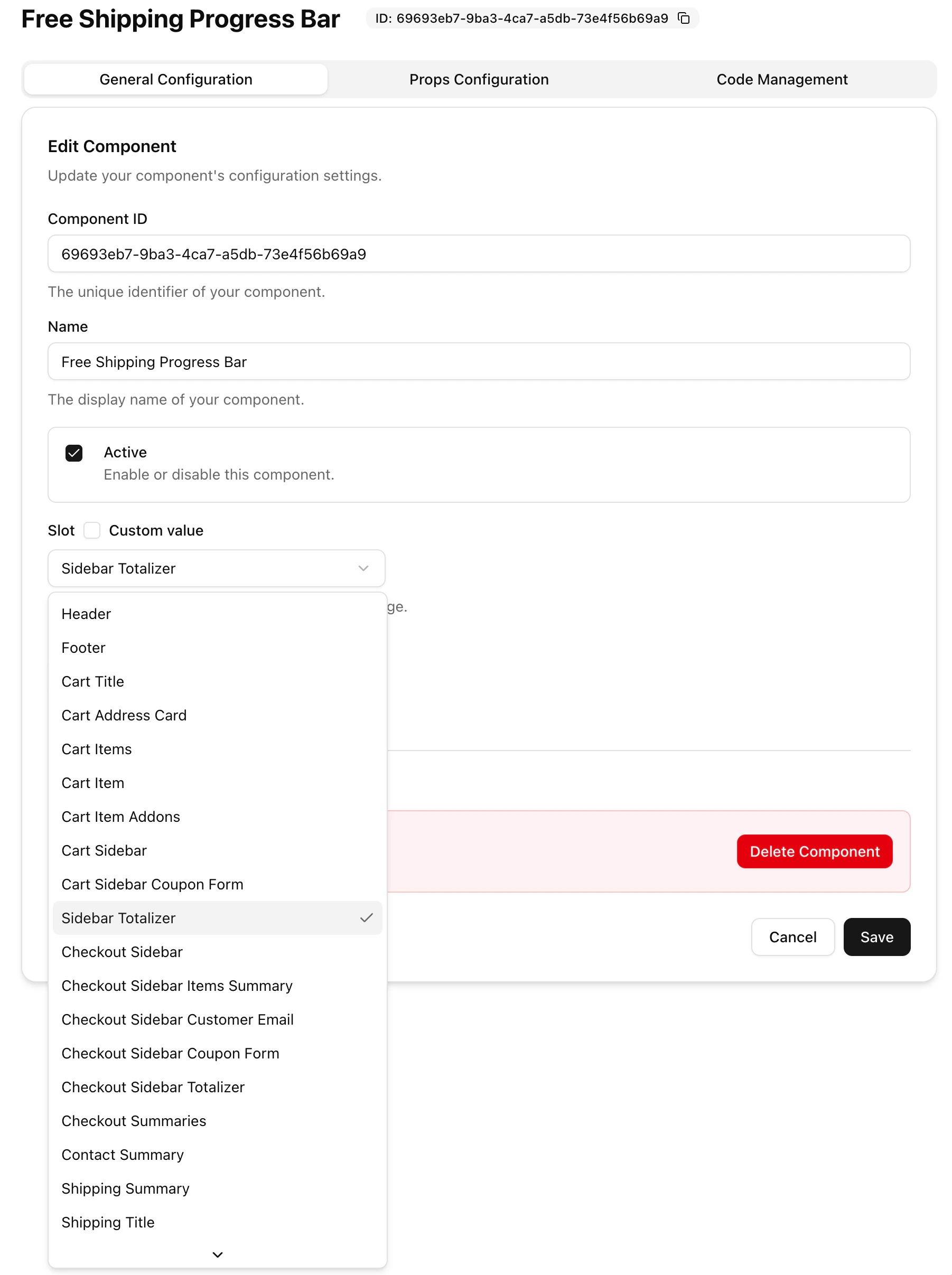
Slots are predefined blocks that structure a [Template](https://docs.ollie.shop/ollie-shop/concepts/templates) in Ollie Shop. Each slot is filled with a native component by default, but you can easily replace it with your own — no need to rebuild your entire checkout.
This modular approach lets you customize specific parts of the checkout experience while maintaining speed and stability.
To learn how to use Slots to iterate and improve your checkout, check out [Versions](https://docs.ollie.shop/ollie-shop/concepts/version).